
Things 3 Web Viewer
After a ton of Claude, YouTube about how the iOS Shortcuts app works and Things 3 documentation trawling; I've managed to come up with a simple website that can display Things 3 exports from iOS in a browser.
I wanted the looks and experience to resemble the Things 3 apps as closely as possible without infringing on their intellectual property of course! The hardest part was manually creating the export shortcut. Took many many hours of trial and error :(.
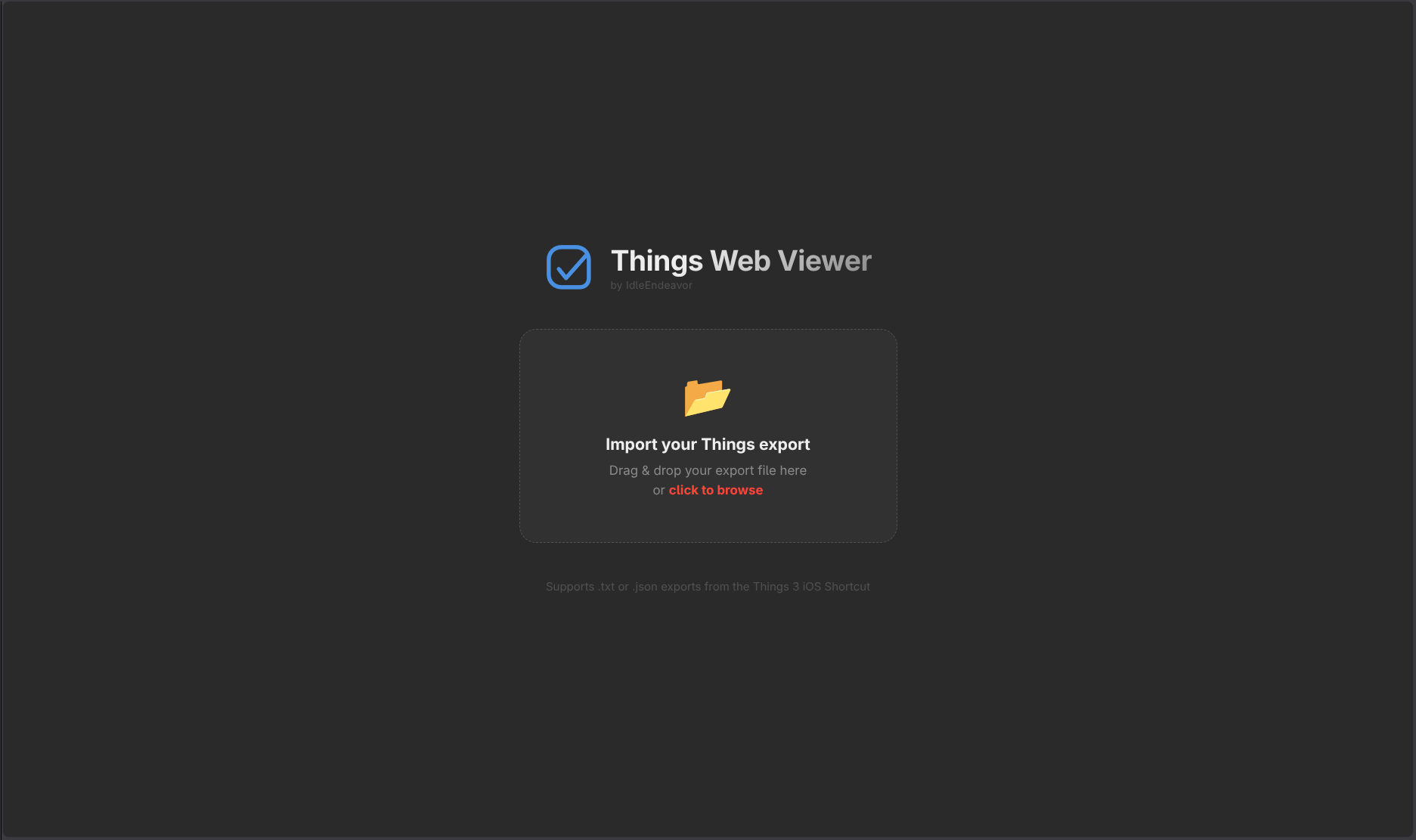
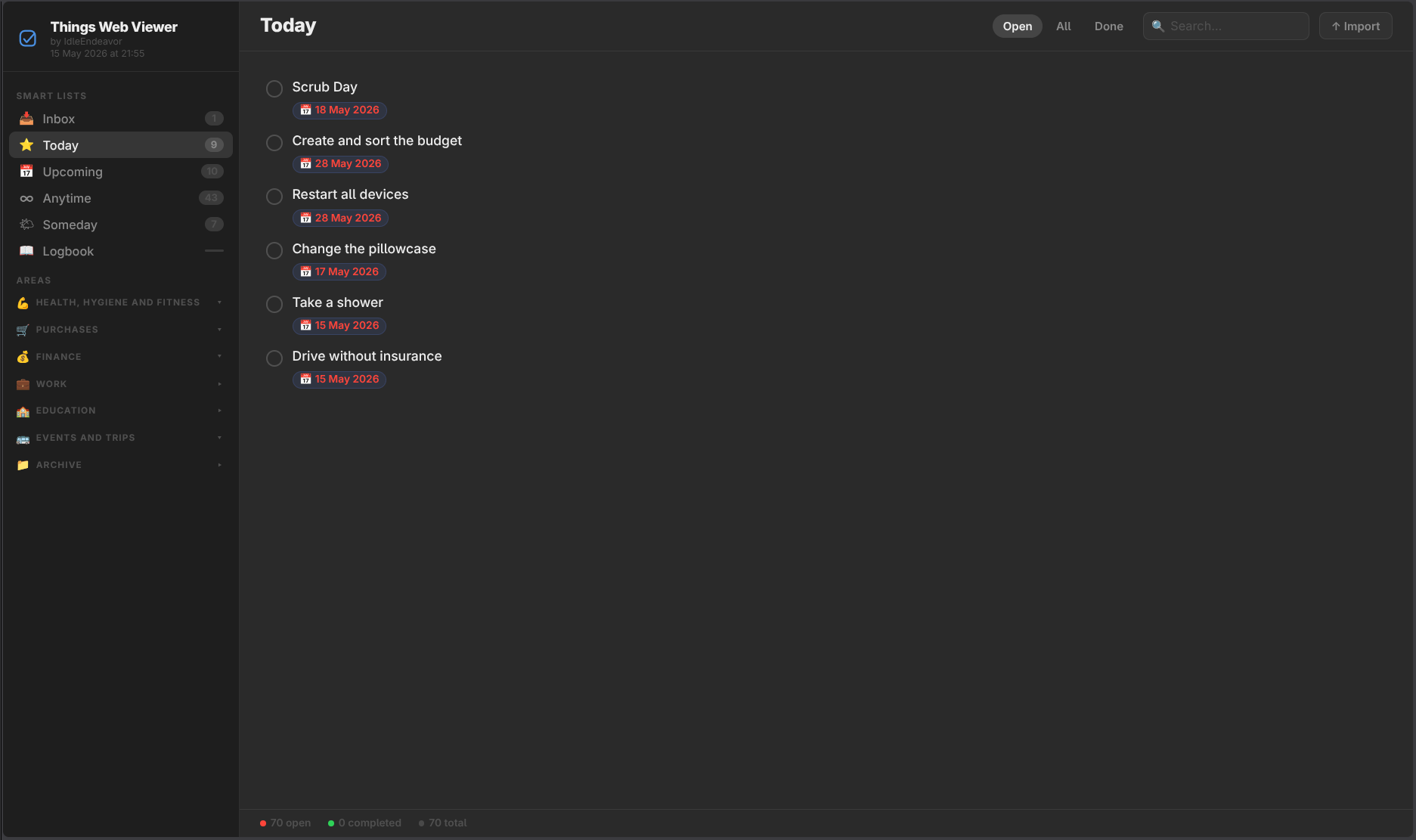
It currently is View Only. I might work on adding support for editing and two way functionality at some point (It is theoretically possible). But I thought someone else might find this useful and could potentially improve on it themselves.
To generate an export, download and add the shortcut to your iOS shortcuts app and give it the necessary permissions (if requested) to access your Things3 data. Then save the export it generates and copy that to your desktop/laptop device.
To view it, download the things-viewer.html file and open it in your default browser or just use the instance hosted under Things3 Web Viewer Instance and open the exported file in it.
You may have to open the shortcut in your Shortcuts app and change the save location of the export at the very end of it.
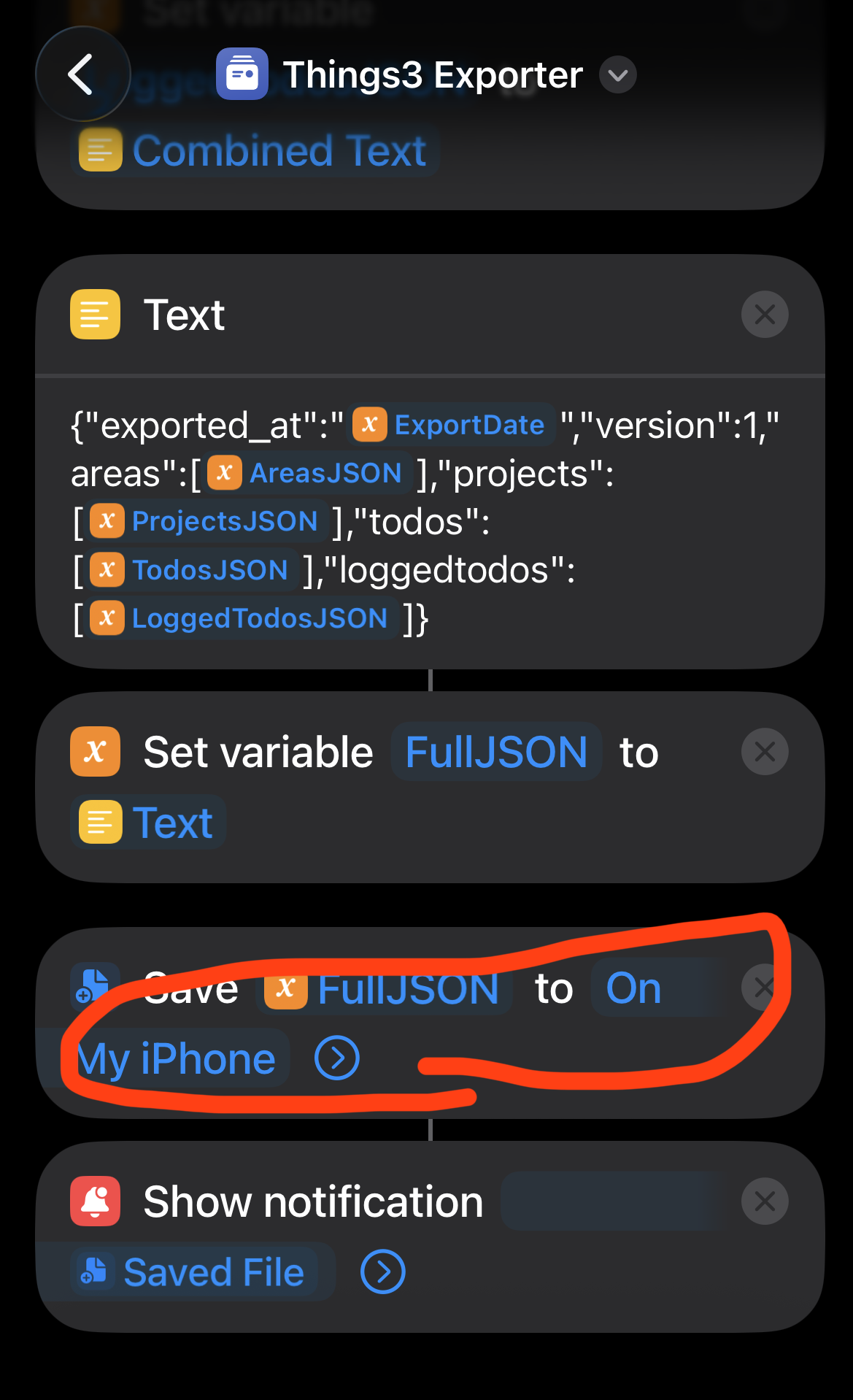
iOS Things 3 Exporter Shortcut
iOS Things 3 Exporter Shortcut iCloud Link
Things 3 Web Viewer HTML Download
My current set up involves an automation on iOS that periodically generates an export of Things3 and saves it to a Syncthing (Mobius Sync app) folder which syncs to my laptop so that I can open it right away when I need to view it on the big screen.
That's literally it. Have fun!